
THE REMOTE HUB APP LIBRARY
One place.
Your device.
Simply sorted.
Find the right Remote Hub app or verified official player for your television, streaming device, phone or computer. The operating system comes first.
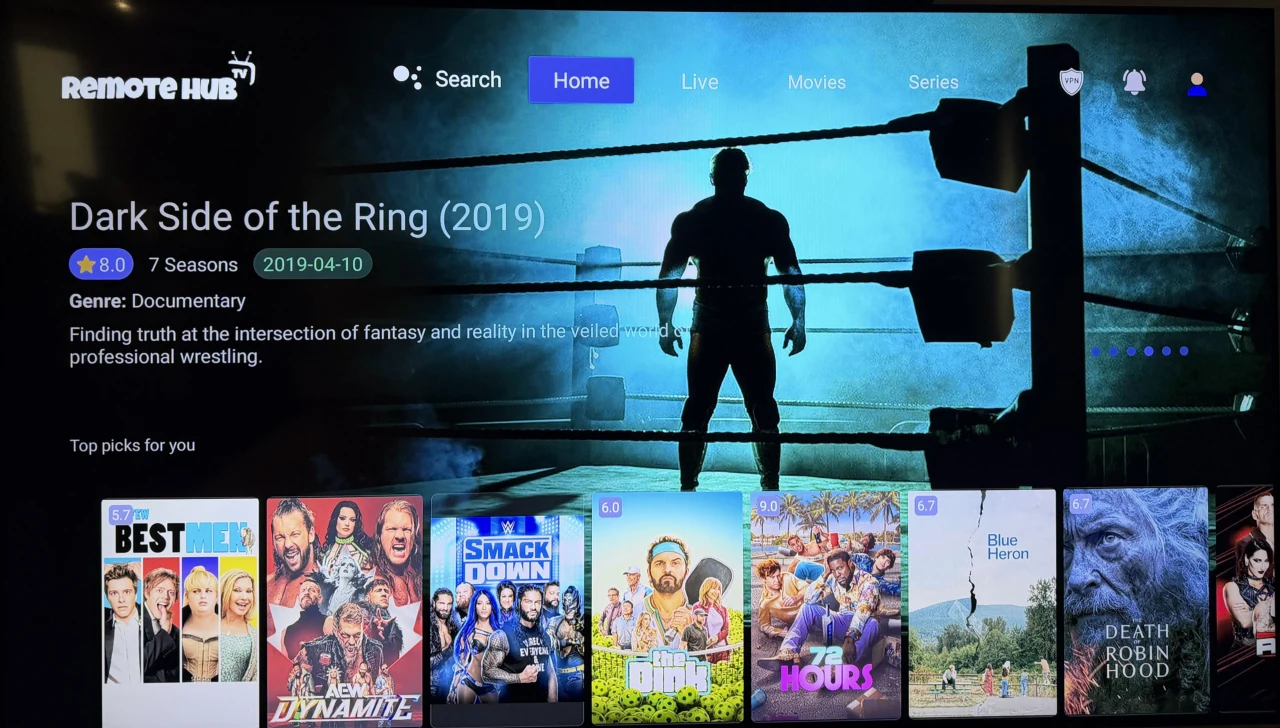
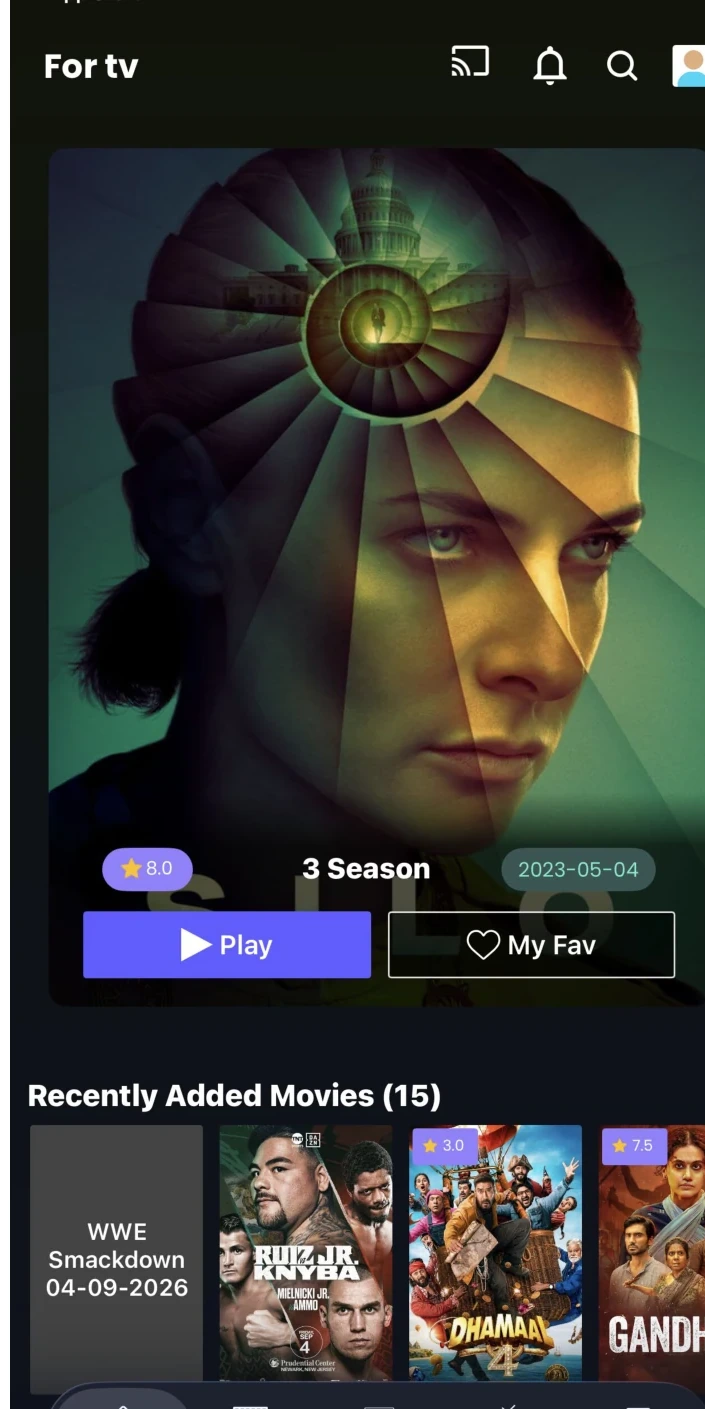
 Your apps, organised.Built around your device
Choose your device and operating system.
Explore all 30 devices below. Each artwork and operating-system label directs you to the right app choices, with compatibility restrictions made clear.
No matching device found
Try a different search, or use our device identification help.
Something else?
These seven platform groups require a model check or further testing. They are not advertised as native Remote Hub APK installations.
BETTER PREPARED, LESS HASSLE
More than one app.
More ways to watch.
On compatible Android television hardware, you can keep both Remote Hub apps installed. Android phones use v5.0. Apple devices and Samsung Tizen use a separately published official Smarters Pro app.
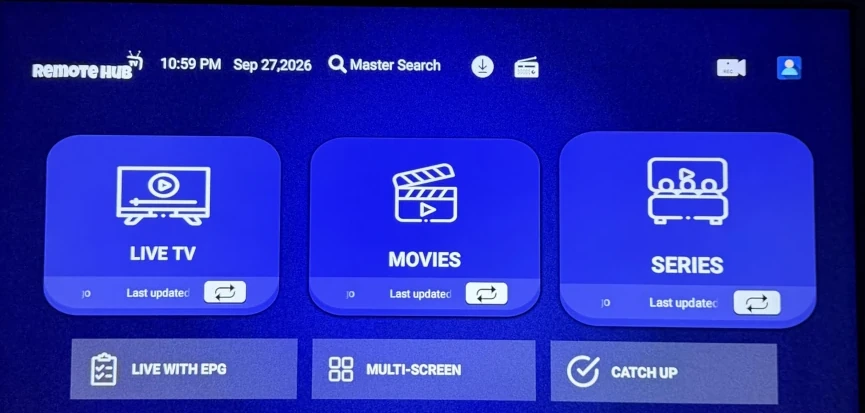
From here to watching.
Only what you need, in the order you need it. No complicated tutorials before you've chosen your device.
Choose your device
Pick your television, streaming stick, phone or computer from the list.
Get the right app
Open the correct Remote Hub file or official verified app-store listing shown on the device page.
Follow the simple steps
Use your platform-specific installation guide and Remote Hub login details. Full walkthroughs are the next website section.
Ready to get set up?
Choose your device family and we’ll show the appropriate app choices.
Suggested apps for your device
Our app choices
Exact app installation instructions and model support require verification before release.